

Copiers
How To Find The Best Copier Companies Near Me?
So how to find a copier company near me? ACP will match you to the perfect printer, as they understand that every business is unique.

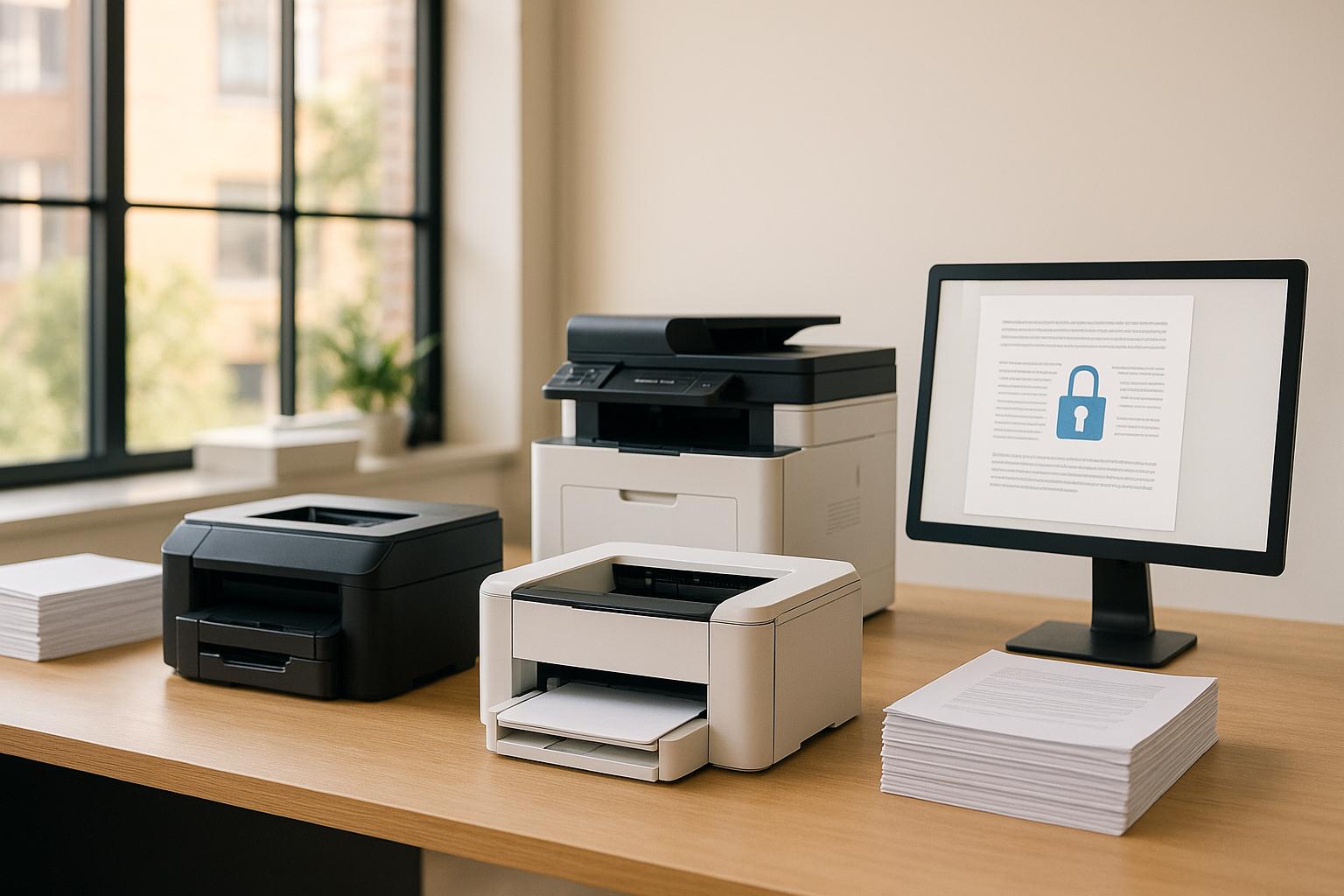
Choosing between an office printer and a multifunction printer (MFP) depends on your business needs. Here's a quick summary to help you decide:
| Feature | Office Printer | Multifunction Printer (MFP) |
|---|---|---|
| Core Functions | Print-only | Print, scan, copy, fax |
| Cost Per Page | Up to $0.30 for color | $0.065–$0.075 |
| Space Requirements | Compact, desk-friendly | Larger, shared spaces |
| Security Features | Basic network security | Advanced secure printing |
| Maintenance | Harder to repair | Easier to repair |
| Price Range | $250–$3,000 | $600–$16,000 |
Key Takeaway: If you need simple printing for a small team, go for an office printer. For more features, higher volume, or integrated workflows, an MFP is the better choice.
Modern office printers are designed to deliver dependable, high-quality prints. They often come with features like network connectivity, double-sided printing, and basic security settings. Their simple setup and compact size make them a good fit for personal workspaces, and they typically require minimal training to operate. However, they are limited to basic printing tasks, unlike multifunction printers (MFPs), which offer a broader range of capabilities.
Multifunction printers (MFPs) go beyond printing to include scanning, copying, faxing, and more. For example, the RICOH 132 can handle a monthly workload of up to 35,000 sheets. MFPs also come with advanced tools like:
Here’s a side-by-side look at the main differences between office printers and MFPs:
| Feature Category | Office Printer | Multifunction Printer |
|---|---|---|
| Core Functions | Print-only | Print, scan, copy, fax, and email |
| Interface | Basic control panel | Customizable touchscreen with app integration |
| Security Features | Standard network security | Enhanced options like secure print release |
| Setup & Training | Quick setup, minimal training | More setup time, detailed training required |
| Document Management | Basic print queue management | Workflow automation and document storage |
| Integration Options | Limited network connectivity | Broad compatibility with third-party apps |
| Paper Handling | Standard trays | Multiple trays and advanced finishing options |
| Monthly Duty Cycle | Lower volume capacity | Higher volume (e.g., 35,000 sheets for RICOH 132) |
Choosing between a standard printer and an MFP depends on your office needs. Standard printers are ideal for straightforward printing tasks, while MFPs offer a more versatile solution for managing documents and improving workflow efficiency with their integrated features.
The initial cost of a standard printer versus a multifunction printer (MFP) depends on features and printing capacity. For smaller teams (up to 5 people) printing about 1,200 pages a month, color printers typically range from $500 to $3,000. On the other hand, enterprise-grade MFPs designed for heavy-duty use can range from $7,500 to $16,000.
Here’s a breakdown of costs by business size:
| Business Scale | Print Volume | Device Type | Price Range |
|---|---|---|---|
| Small/Home Office | Basic | Printer | $250 - $600 |
| Small/Home Office | Basic | MFP | $600 - $1,200 |
| Medium Business | 5,000/month | Commercial MFP | $4,500 - $9,300 |
| Large Business | 10,000/month | Commercial MFP | $7,500 - $16,000 |
Once you’ve considered the purchase price, it’s important to factor in ongoing costs to fully understand the value of each device.
Operational expenses, including supplies, maintenance, and support, can account for 1-3% of a company’s total revenue. For example, the Canon imageRUNNER DX 4945i black toner cartridge costs around $125 and yields 44,500 pages. Color cartridges for the Advance DX C5800 Series cost between $370 and $400, with yields of 60,000 to 71,000 pages.
When you combine purchase and operational costs, the per-page expense becomes a key metric for comparison. Here’s a look at some common devices:
| Device Model | Black Print Cost | Color Print Cost |
|---|---|---|
| HP Color LaserJet Pro MFP 3301fdw | 3.1¢ | 17¢ |
| Brother Wireless HL-L2460DW | 2.8¢ | N/A |
| Brother MFC-L3780CDW | 2.5¢ | 12.9¢ |
Laser printers generally offer better long-term value, with average costs of 6 to 8 cents per page for both black and color prints. This is significantly lower than inkjet printers, which can range from 10 to 20 cents per page. For businesses with high-volume printing needs, commercial MFPs, despite their higher upfront cost, are more economical due to lower per-page expenses and reduced maintenance requirements.
According to Gartner, 90% of business leaders are unaware of the total costs associated with their printer fleets. To make informed decisions, consider the following:
To manage costs effectively, look for devices with features like auto-duplexing and energy-saving modes, which can help cut operational costs. High-capacity toner cartridges are another way to reduce per-page costs, especially for businesses with heavy printing demands. By evaluating these factors, you can choose the right device to meet your business needs while keeping expenses under control.
When planning an office layout, it's important to account for the size and clearance needs of your devices. For example, a floor-standing MFP like the Xerox AltaLink C8170 takes up significant room, with base dimensions of 24.4" x 31.2" x 46" and a hefty weight of 352 pounds.
| Device Type | Typical Dimensions (W x D x H) | Weight |
|---|---|---|
| Desktop Printer | 16" x 7" x 6" | 5–15 lbs |
| Small MFP | 20" x 20" x 25" | 50–100 lbs |
| Floor-Standing MFP | 24" x 31" x 46" | 300–400 lbs |
On top of the device's footprint, you'll need extra clearance for smooth operation, maintenance, and supply replacements. Maximizing space efficiency while ensuring high performance is key to keeping workflows productive.
High-volume MFPs are game-changers for busy offices, delivering print speeds of 100 to 136 pages per minute. Features like cloud archiving, mobile printing, user-friendly touchscreen controls, and automated scanning workflows simplify tasks and allow for multitasking. These tools help streamline daily operations, saving time and effort.
Energy efficiency and eco-friendly features are also crucial when choosing office equipment. Devices with ENERGY STAR certification, for instance, consume up to 35% less energy than standard models. Here are some noteworthy stats:
| Feature | Impact | Implementation |
|---|---|---|
| Sleep Mode | Cuts energy usage; ENERGY STAR models save up to 35% energy | Enable sleep mode during inactivity periods |
| Duplex Printing | Reduces paper usage significantly | Set duplex printing as the default setting |
| Secure Print | Prevents waste from uncollected documents | Use user authentication for print jobs |
| Cloud Integration | Reduces reliance on paper with digital workflows | Use cloud services for document management |
"Benefitting from the energy efficiency of an ENERGY STAR certified product means paying less and reducing the greenhouse gas emissions of your imaging equipment purchase at the same time." – Ryan Fogle, ENERGY STAR Certified Products
Start by assessing your printing habits: how much you print, the types of documents, and any security concerns. For instance, a law firm dealing with sensitive information might need secure printing features, while a marketing agency would benefit from high-quality color printing for client presentations. Conducting a print audit can help identify these requirements.
| Business Need | Printer Option | MFP Option |
|---|---|---|
| Low Volume (<1,000 pages/month) | Desktop Printer | Small MFP |
| High Security | Personal Desktop Printer | MFP with Secure Pull Printing |
| Color Marketing Materials | Color Inkjet Printer | Color Laser MFP |
| Document Processing | Basic Printer + Scanner | Integrated MFP Workflow |
Compare the cost per page of each option with your monthly print volume to find the most budget-friendly choice. Also, think about how well the device can adapt to your growing needs and whether it integrates smoothly with your current systems.
Your office needs will evolve, so choose solutions that can grow with you. Keep these points in mind:
Strong connectivity can significantly improve productivity. Depending on your office setup, these are some connection options to consider:
| Connection Type | Best For | Key Advantage |
|---|---|---|
| Ethernet | Large Offices | Reliable network printing |
| Wi-Fi | Flexible Workspaces | Easy mobile access |
| Cloud Printing | Remote Teams | Print from anywhere |
| NFC | Quick Access | Tap-to-print convenience |
Choose devices that align with your business requirements:
Standard Printers Work Well For:
MFPs Are Ideal For:
For a more tailored solution, consider partnering with a Managed Print provider. They can assess your organization's specific printing needs and recommend whether consolidating devices into a single MFP could streamline your workflow and save costs.
When choosing between a standard printer and a multifunction printer (MFP), keep these key factors in mind:
| Decision Factor | Standard Printer | MFP |
|---|---|---|
| Initial Investment | $200-800 | $1,000-5,000 |
| Space Requirements | 2-3 sq ft | 4-6 sq ft |
| Monthly Volume | Up to 3,000 pages | Up to 20,000 pages |
| Energy Usage | 300-500W | 900-1,500W |
| Best For | Single-function needs, small teams | Multi-department collaboration |
Your decision will depend on your workflow and budget. Standard printers are ideal for straightforward printing tasks in smaller setups. On the other hand, MFPs are better suited for offices that need a device capable of handling diverse document-related tasks.
Follow these steps to make an informed decision:
If you're short on space, a standard printer is likely the better option. MFPs, however, require additional clearance for maintenance, so plan accordingly.
For expert advice, consult a print solutions specialist. They can provide a detailed assessment to help you identify cost-saving opportunities and choose the best device for your needs.

So how to find a copier company near me? ACP will match you to the perfect printer, as they understand that every business is unique.

Office supplies is a terrific example of an ignored process that could yield large monetary savings, opportunities to enhance ROI and lower overhead costs.

So what is facilities management? It allows business to carry out its mission while facility managers keep the resources you need up and running. Click to learn more!